Understanding Software-Defined Radio (SDR)
Software-Defined Radio (SDR) represents a significant advance in the field of radio communications. Unlike traditional radios, where components like mixers, filters, and modulators are implemented in hardware, SDR leverages the power of software to perform these functions. This article delves into the world of SDR, exploring how it works, its components, and the opportunities it presents for enthusiasts and professionals alike.
Basic Components of an SDR System
An SDR system is a blend of hardware and software, each playing a crucial role in the system’s functionality.
Hardware Components
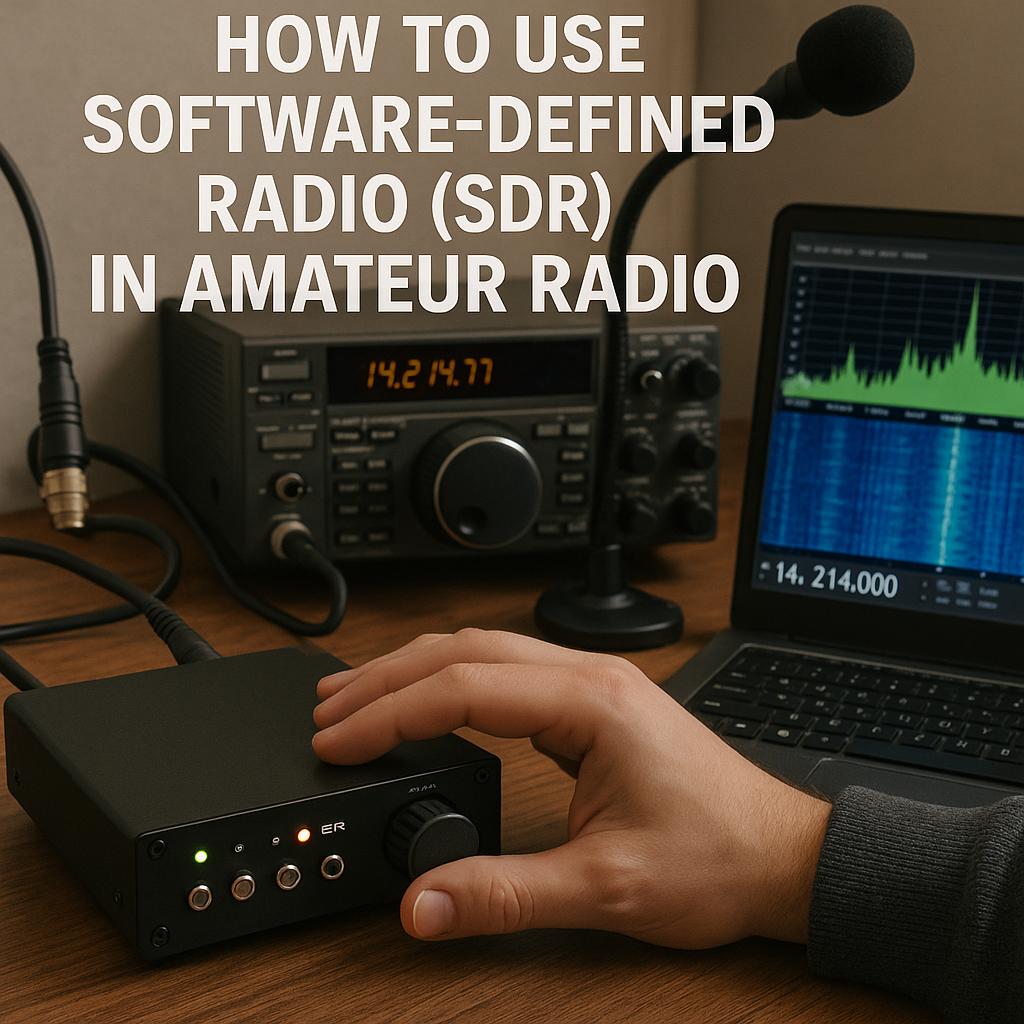
The hardware in an SDR system includes receivers or transceivers that serve as the entry point for radio signals. These devices convert analog radio waves into digital signals, which can then be processed by a computer. Some of the popular hardware choices include devices such as the RTL-SDR, HackRF, or SDRplay. These are typically connected to a computer via USB or other interfaces.
RTL-SDR is an affordable dongle that was initially a digital TV tuner but has gained popularity in the SDR community for its versatility. HackRF is known for its wide frequency range and is highly favored by experimenters. SDRplay offers high-performance specifications that serve a wide range of applications.
Software Components
The software is where the majority of signal processing occurs. It provides extensive control over the signal, allowing users to demodulate, decode, and analyze it in various ways. Applications like GNU Radio, SDR#, and HDSDR are quintessential tools that offer different features suited to various user needs.
– GNU Radio provides a powerful modular architecture that allows for custom flow graph creations for signal processing.
– SDR#, or “SDR Sharp,” is known for its simplicity and intuitive graphical interface, making it ideal for beginners.
– HDSDR offers a comprehensive interface for wide-frequency range reception and is appreciated for its extensive plugin support.
Setting Up Your SDR
The process of setting up an SDR system for amateur radio use is relatively straightforward, but it requires attention to detail to ensure optimal performance. The setup involves several key steps:
1. **Download and Install SDR Software**: Choose a software application that matches your skill level and intended use. Installation typically involves downloading the application from a website and following installation instructions.
2. **Connect Your SDR Hardware**: Using a USB port or another compatible interface, connect your SDR hardware to your computer. Ensure that the device is recognized and properly configured.
3. **Configure Software Settings**: Once the hardware is connected, configure the software to align with your radio interests. This may involve setting frequencies, choosing modes (e.g., AM, FM, SSB), and adjusting bandwidth.
4. **Antenna Connection**: Connecting an appropriate antenna is vital. The antenna should be suitable for the frequencies you wish to explore, ensuring clear reception and transmission for experiments.
Exploring Different Frequencies and Modes
One of SDR’s most notable benefits is its ability to access a myriad of signals across different frequencies and modes. Whether you’re interested in FM broadcasts, shortwave radio, or decoding digital modes, SDR provides the versatility to explore them all.
FM and Shortwave Reception
Listening to FM broadcasts is perhaps the simplest and most common use of SDR. On the other hand, shortwave radio can open up global communication opportunities, allowing you to hear transmissions from across the world.
Decoding Digital Modes
With the rise of digital communication, modes such as FT8, SSTV, and APRS have become popular among radio amateurs. The flexibility of SDR allows for easy switching between these modes, facilitating experimentation and learning.
Enhancing Your SDR Experience
Beyond the basic setup, users can further expand SDR capabilities through external software and plugins. Digital Signal Processing (DSP) plugins can improve signal clarity and enable advanced features like noise reduction and frequency shifting. Additionally, integrating satellite tracking software can transform your SDR setup into a powerful tool for satellite communications.
Engaging with online communities and forums dedicated to SDR can provide valuable support. These platforms are excellent resources for troubleshooting, discovering new applications, and staying updated with the latest advancements in SDR technology.
Legal Considerations
While SDR offers a broad spectrum of possibilities, users must remain vigilant about legal regulations relating to radio use. In many countries, unauthorized transmission on specific frequencies is prohibited and can have serious legal consequences. Therefore, it is important to be aware of your local regulations, obtain any necessary licenses, and operate within the legal parameters to avoid any infringement.
Conclusion
Software-Defined Radio marks a paradigm shift in radio communication, providing unmatched flexibility and control over radio waves. Through understanding its hardware and software components, setting up an SDR system, and exploring its vast capabilities, radio enthusiasts can vastly expand their horizons. As technology continues to evolve, SDR stands at the forefront, offering limitless exploration opportunities and a robust platform for learning and experimentation. Engaging with ongoing discussions in communities can enrich your understanding and keep you abreast of new developments in this vibrant field.